Microsoft’s Surface lineup has long been a favorite among professionals and students alike, offering sleek design and versatile functionality. However, the latest generation of Surface devices has introduced some significant changes that users in Bahrain and around the world should be aware of before making a purchase.
The ARM Chip Revolution: Promise and Challenges
With the Surface Pro 11 and Surface Laptop 7, Microsoft has made a bold move toward Qualcomm Snapdragon ARM processors. This transition promises impressive battery life and fanless designs, but it comes with trade-offs that aren’t immediately obvious on the spec sheet.
App Compatibility: The Hidden Challenge
The most significant issue facing ARM-based Surface devices is software compatibility. Many traditional Windows applications were built for x86 architecture (Intel/AMD chips), and while Microsoft has developed emulation technology to bridge this gap, the experience isn’t seamless.
What struggles to run:
- Legacy business software and specialized professional tools
- VPN clients that rely on specific drivers
- Anti-cheat software used in many popular games
- Older printer and peripheral drivers
- Some creative software plugins and extensions
While Microsoft and developers are working to create ARM-native versions of popular applications, the transition is ongoing. If your workflow depends on specific software, it’s crucial to verify compatibility before investing in an ARM-based Surface device.
Performance Inconsistencies
When apps run natively on ARM architecture, the performance is excellent—fast, efficient, and battery-friendly. However, when the system needs to emulate x86 applications, you may experience:
- Slower application launch times
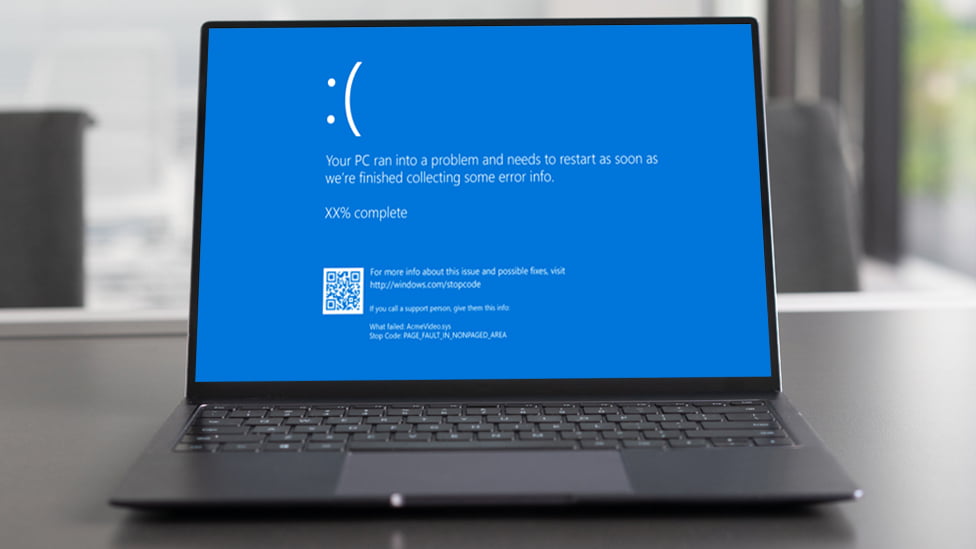
- Occasional crashes or freezing
- Reduced battery efficiency
- Unexpected compatibility errors
The Amazon “Frequently Returned” Warning
The Surface Laptop 7 has recently received a “frequently returned” label on Amazon—a telling indicator that many users are discovering these limitations after purchase. This typically happens when buyers expect their new Surface to run all their existing software without issues, only to discover incompatibilities that impact their daily work.
Is an ARM Surface Right for You?
The ARM-based Surface devices aren’t inherently bad—they’re simply optimized for a different user profile. They excel for users who:
- Primarily use web-based applications and Microsoft 365
- Need exceptional battery life for all-day work
- Value portability and fanless, silent operation
- Are willing to verify app compatibility before purchasing
However, if you rely on specialized software, legacy applications, or specific peripherals, you may want to consider Intel-based Surface models or wait until more software becomes ARM-native.
Need Help Choosing the Right Surface Device?
Navigating the Surface lineup can be confusing, especially with the ARM transition creating new considerations. Whether you’re looking to purchase your first Surface device, need technical support for your current model, or want advice on which configuration best suits your needs in Bahrain, we’re here to help.
Contact us for all kinds of Microsoft Surface support in Bahrain:
📞 +973 3623 4155
Our team can assist with:
- Device selection and compatibility assessment
- Technical troubleshooting and repairs
- Software compatibility verification
- Warranty and support services
- Upgrades and accessories
Don’t let compatibility concerns hold you back from finding the perfect device. Reach out today, and we’ll ensure you get a Surface that matches your specific requirements.